Exports & Calendar Feed
Hand the plan to people outside Artwork — as PDF, Excel or calendar subscription
Export dialog
The export button in the function bar opens the selection of available exports:
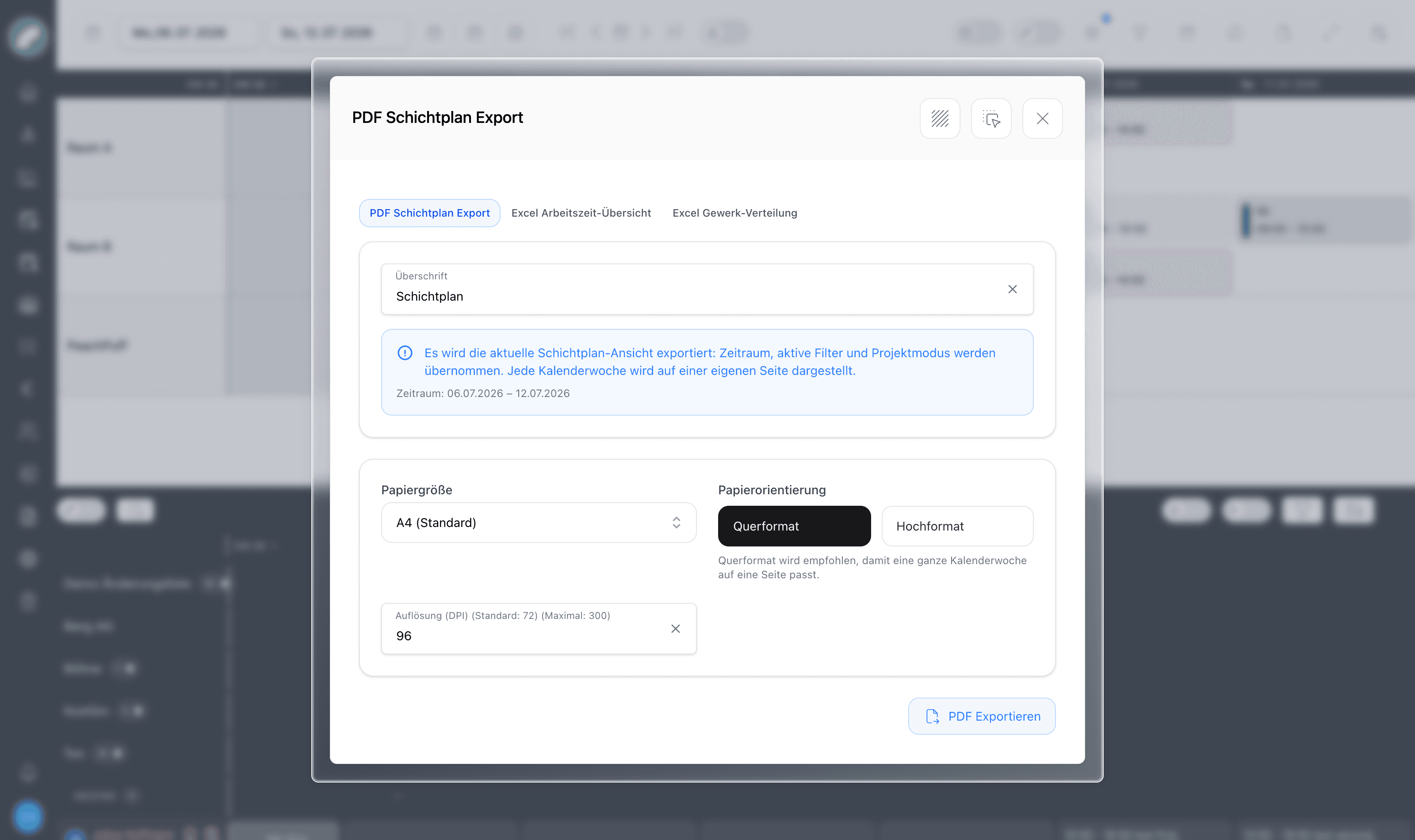
PDF shift plan
Exports exactly what you see: the current time period, active filters and project mode are carried over, and each calendar week is rendered on its own page. You choose a heading, paper size, orientation (landscape is recommended so a full week fits one page) and resolution. The daily view has its own PDF layout. Ideal for printouts on the pinboard or backstage.
The PDF export also exists in two further variants:
- per room — all shifts taking place in that room on the selected days,
- per person — for each person the shifts of the respective calendar week; several calendar weeks in one export are also possible.
Excel work-time overview
A spreadsheet of planned working times per worker over the selected period — the handover format for payroll and HR.
A number format can be chosen on export: readable ("8 h 30 min") or as an Excel number ("8.5") — the latter with an additional totals column for the working times. Days are clearly separated by thicker border lines.
Working time overview per craft
An Excel working time overview for an entire craft: target and actual hours per month, each with its own totals for permanent and freelance employees — either with one row per person and month or aggregated for the whole department. Intended for controlling working times and broader staffing decisions.
Excel craft distribution
Shows how the hours of workers who serve multiple crafts (universally applicable staff) distribute across those crafts — useful for internal cost allocation.
Further exports
- Shifts without a project — a dedicated export for shifts not assigned to any project, configurable by calendar week and craft.
- Internal/external hours for a room and period — the Excel export of hours by internal/external known from the project's shift tab, here for a room and a freely selectable period.
Projects additionally offer a personal shift plan export (per person, per project) from the project's shift tab.
Calendar subscription
Workers don't need to open Artwork to know when they work: the calendar-star button sets up a personal ICS calendar feed that phones and desktop calendars subscribe to (requires the subscribe shift calendar permission).
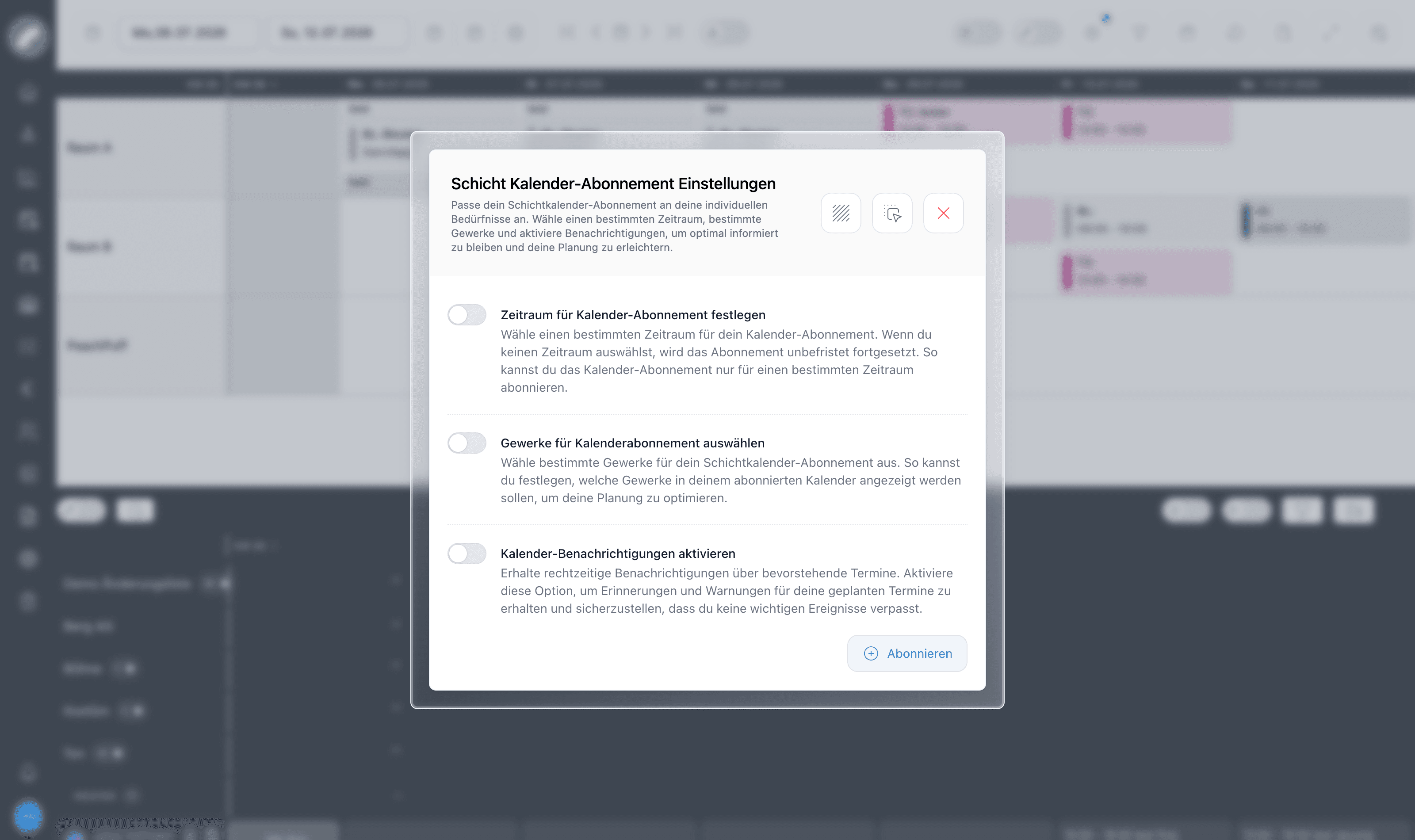
The feed can be limited to a time range and to specific crafts, and optional calendar notifications add reminders for upcoming shifts. Since it is a subscription, committed changes to the roster show up in the worker's calendar automatically. Entries contain the project and room name as well as individual times, and day services are also shown in the subscription on the corresponding day.
Because the PDF mirrors the current view, check hidden rooms and days, crafts, filters, and project mode first. A clear title and suitable paper format make the scope of a printed plan explicit.
Your venue decides whether the calendar feed contains all shifts or only committed shifts. In the latter case private calendars remain binding and do not expose draft planning, even though planners can already see it in the full roster.
Keep the subscription address private
The feed URL belongs to the signed-in person. Anyone holding it may be able to retrieve the shifts published through that subscription.